07CRM and sales
A sales pipeline that remembers every conversation
Leads, contacts, companies and deals sit next to the calls, chats and tickets that happened with them, so nobody asks the customer to repeat themselves.
New
Contacted
Proposal
Won
What is the CRM?
ZimraStudio's CRM keeps leads, contacts, companies and deals in one place, next to the calls, chats and tickets that happened with them. You move deals through stages you name, score leads, make quotes and invoices, and open one timeline per customer.
Who is it for?
- Sales teams with a pipeline to run
- Support teams who need the customer's history in front of them
- Small businesses replacing a spreadsheet of customers
One record per customer
Everything about a customer, on one timeline
Open a contact and see their tickets, deals, tasks, meetings, invoices and chat history in order. Calls made from the record are logged against it automatically.
- Pipelines. Move deals through stages that you name. Weighted forecast and pipeline value come from the same data.
- Lead scoring. Rank leads by how they engage so the hottest ones are worked first.
- Quotes, orders and invoices. Turn a won deal into a quote and an invoice without retyping it.
- Territories and targets. Split regions between reps and track achieved against target.
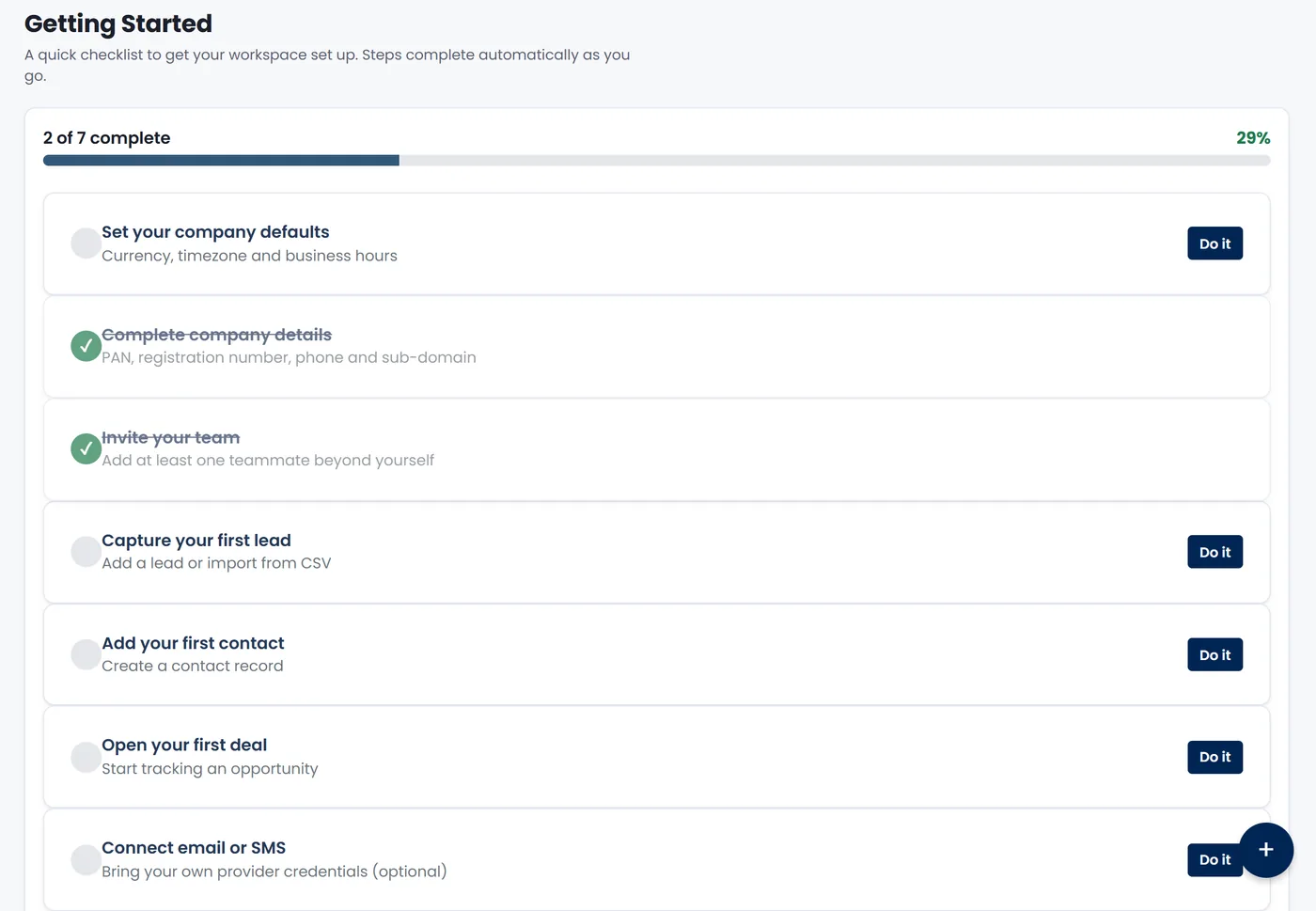
Follow-up that does not rely on memory
Booking links and automatic nudges
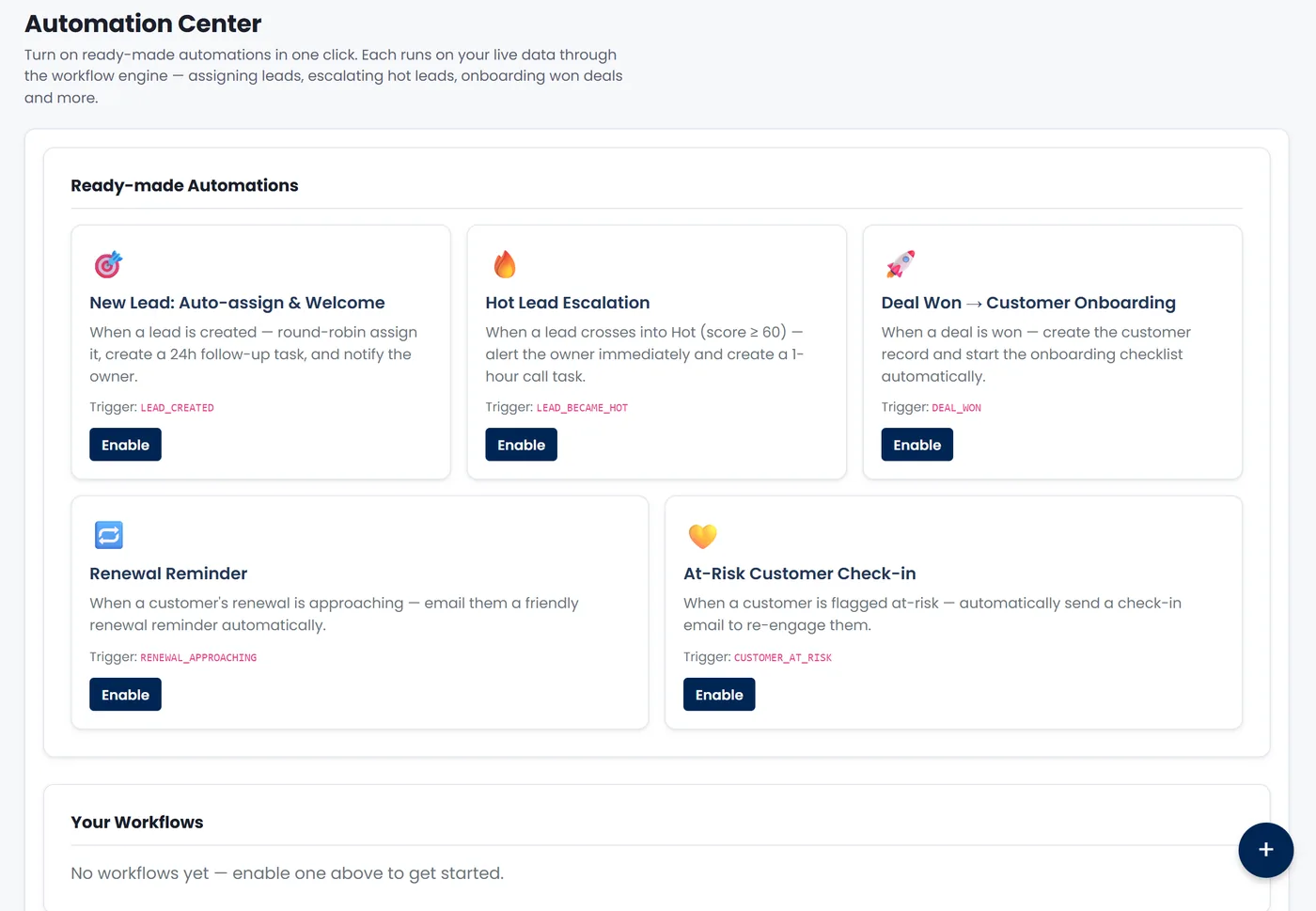
Share a booking link and meetings land in the calendar. Ready-made automations assign new leads, escalate hot ones, start onboarding when a deal is won, and remind you about renewals.
- Booking links. Set the hours and the length; prospects pick a slot.
- Ready-made automations. Switch on lead auto-assign, hot-lead escalation, deal-won onboarding, renewal reminders and at-risk check-ins.
How it works
How it works, in 3 steps
Bring your contacts in
Import from a spreadsheet or add them as they arrive from forms, chat and calls.
Set up the pipeline
Name your stages and choose who owns which territory.
Work from the timeline
Call, message and follow up from the customer record and let it log itself.
Questions
Questions about the CRM
Can I import my existing leads?
Yes. There is an import and export screen for CRM data, and a duplicate review to catch repeats.
Does it replace our accounting software?
No. ZimraStudio is not an accounting system. It can sync invoices and payments to QuickBooks, Zoho Books, Tally or Busy once you connect your own account.
Is calling built in?
Yes. Voice and video calling run in the browser and apps (WebRTC), and calls are logged to the record.
Can I score leads?
Yes. Lead scoring ranks leads by how they engage so the hottest ones are worked first.
Do website enquiries reach the CRM?
Yes. Enquiries from forms on a site built with the website builder can become leads.
Can I split regions between reps?
Yes. Territories and targets let you split regions and track achieved against target.
Last updated . Checked against the product by the ZimraStudio team.
See it with your own work in it
Start a trial, or book a short walkthrough and bring a real example. We will set it up with you.
New companies start on a 14-day trial of the Growth plan.