
01NGOs and INGOs
Run programmes and answer to donors from one workspace
Grants, programmes, activities, partners, beneficiaries, MEAL indicators and compliance dates in one place, so the donor report is a query and not a month of chasing spreadsheets.
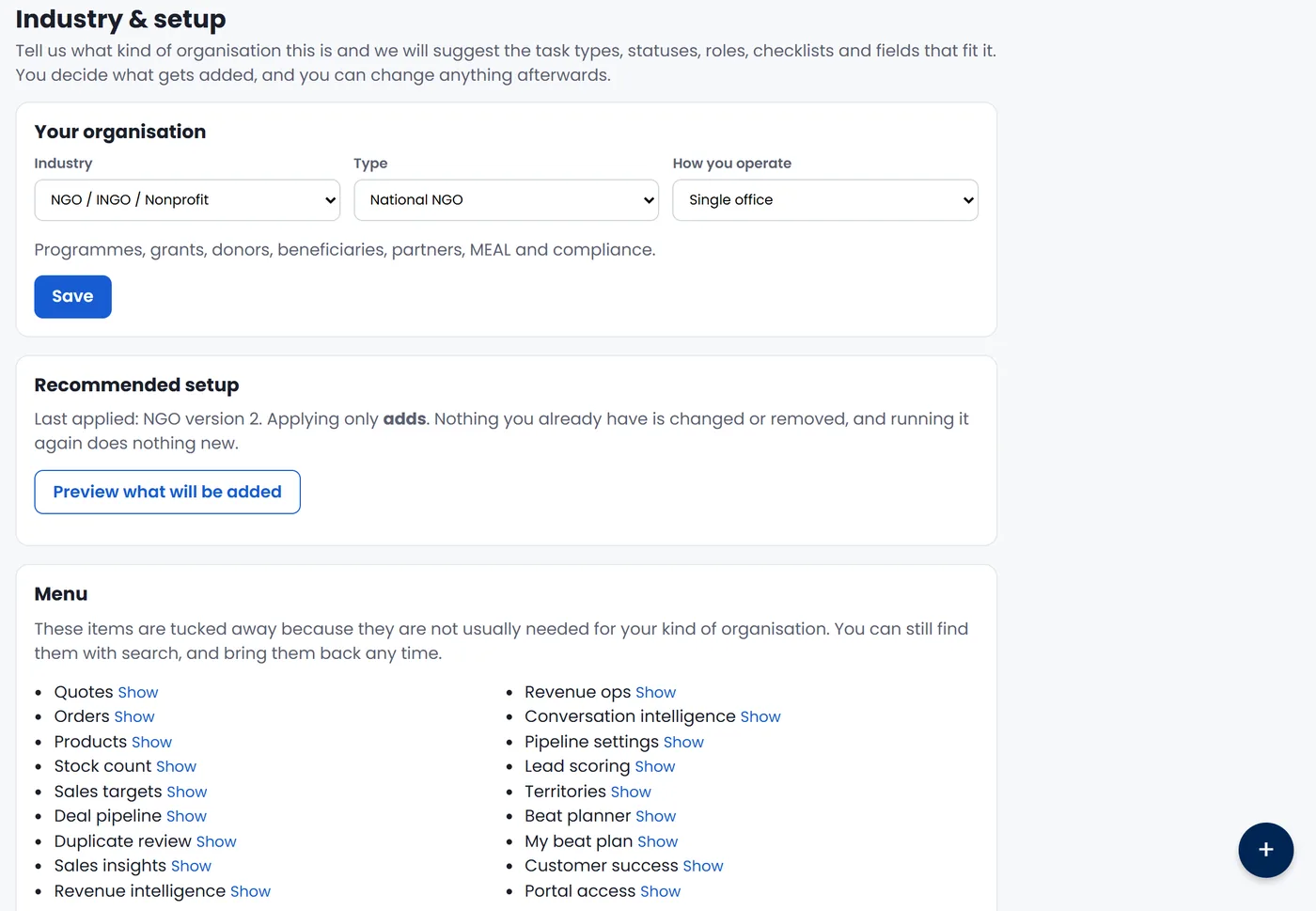
Starter setup
What the starter setup installs
NGO starter pack, version 2. Counted from the setup file itself.
In practice
How the work flows
01Grant to indicator
Follow the chain a funder asks you to report against: grant, programme, project, activity, indicator. The Grants and programmes register installs ready to use.
02Donor reports and deadlines
Tasks tagged Donor Deadline and Donor Reporting, a Donor report preparation checklist, and a report-submitted-on-time indicator.
03Beneficiaries with consent
A beneficiary register with consent tracking, and a public form so field teams or communities can register themselves.
04Partners and due diligence
A partner register with due-diligence fields, and a Partner Portal User role for people outside your organisation.
05Field visits and training
Field Visit and Training / Workshop task types, with checklists for field visits and community training.
06Feedback and complaints
A public Feedback and complaints form and a register to follow each one up.
The full list
Everything it adds, by category
Names are shown as they appear in the setup. You can rename or hide any of them after it is applied.
- Activity
- Field Visit
- Training / Workshop
- Donor Report
- Proposal
- Monitoring Visit
- Procurement
- Compliance Filing
- Safeguarding Officer
- Safeguarding Lead
- Partner Portal User
- Executive Director
- Program Manager
- Finance Manager
- HR & Admin Manager
- MEL Officer
- Fundraising & Communications Officer
- Field Officer
- Finance & Admin Officer
- Volunteer / Intern
- Donor report preparation
- Field visit
- Community training / workshop
- Grant proposal submission
- Procurement request
- Staff onboarding
- Annual compliance renewal
- Safeguarding incident response
- Beneficiaries reached
- Active projects
- Budget utilisation (from imported figures)
- Donor reports submitted on time
- Women participation in activities
- Planned activities completed
- Open complaints and feedback
- Open safeguarding cases
- People trained
- Agreements and licences expiring within 90 days
- Programs
- Monitoring, Evaluation & Learning
- Finance & Grants
- Human Resources & Administration
- Fundraising & Partnerships
- Communications & Advocacy
- Procurement & Logistics
- Safeguarding & Compliance
- Feedback and complaints
- Volunteer with us
- Register a beneficiary
Made for
- Community-based organisation
- National NGO
- International NGO
- Humanitarian organisation
- Development organisation
- Foundation or charity
- Advocacy organisation
- Research and policy organisation
- Membership-based nonprofit
What to know
Where it stops
We would rather tell you now than have you find out in month three.
- The safeguarding register exists, but cases are not yet access-isolated from other staff. Treat sensitive cases carefully until that is added.
- There are no donor-specific report templates yet; the donor report is a checklist and your own indicators.
- Beneficiary records are not automatically de-duplicated.
- Nepal compliance cycles (project agreements, renewals, audit timing) are modelled as checklists and registers with dates your organisation enters. No date is built in, so confirm the rules with the relevant authority.
- Budgets are planned, approved or imported figures. ZimraStudio is not your accounting system.
Getting started
From sign-up to a working workspace
Choose your industry
Select your industry and type of organisation when you create the company.
Preview the setup
Read exactly what would be added. Nothing is applied yet.
Apply, then make it yours
Apply it, invite your team, and rename or hide anything that does not fit.
Questions
Common questions
Can we use it for INGO country offices?
Yes. You can run several branches or countries in one workspace, or a group of separate companies, and choose that when you sign up.
Will it apply everything automatically?
No. You preview exactly what will be added, then apply it. It only adds. Anything with the same name is left alone, and applying twice does nothing new.
Do our partners need licences?
A partner can be given the Partner Portal User role, which is a limited login. Check the plan limits for user counts.
What exactly does the starter setup add?
Only what is listed on this page: task types, statuses, labels, departments, roles with their access rules, checklists, KPIs and registers. You preview it first, and it only adds; anything with the same name is left alone.
Try the starter setup with your own work in it
Start a trial, or book a short walkthrough and bring a real example. We will set it up with you.
New companies start on a 14-day trial of the Growth plan.