
Help center
How can we help?
01Start here
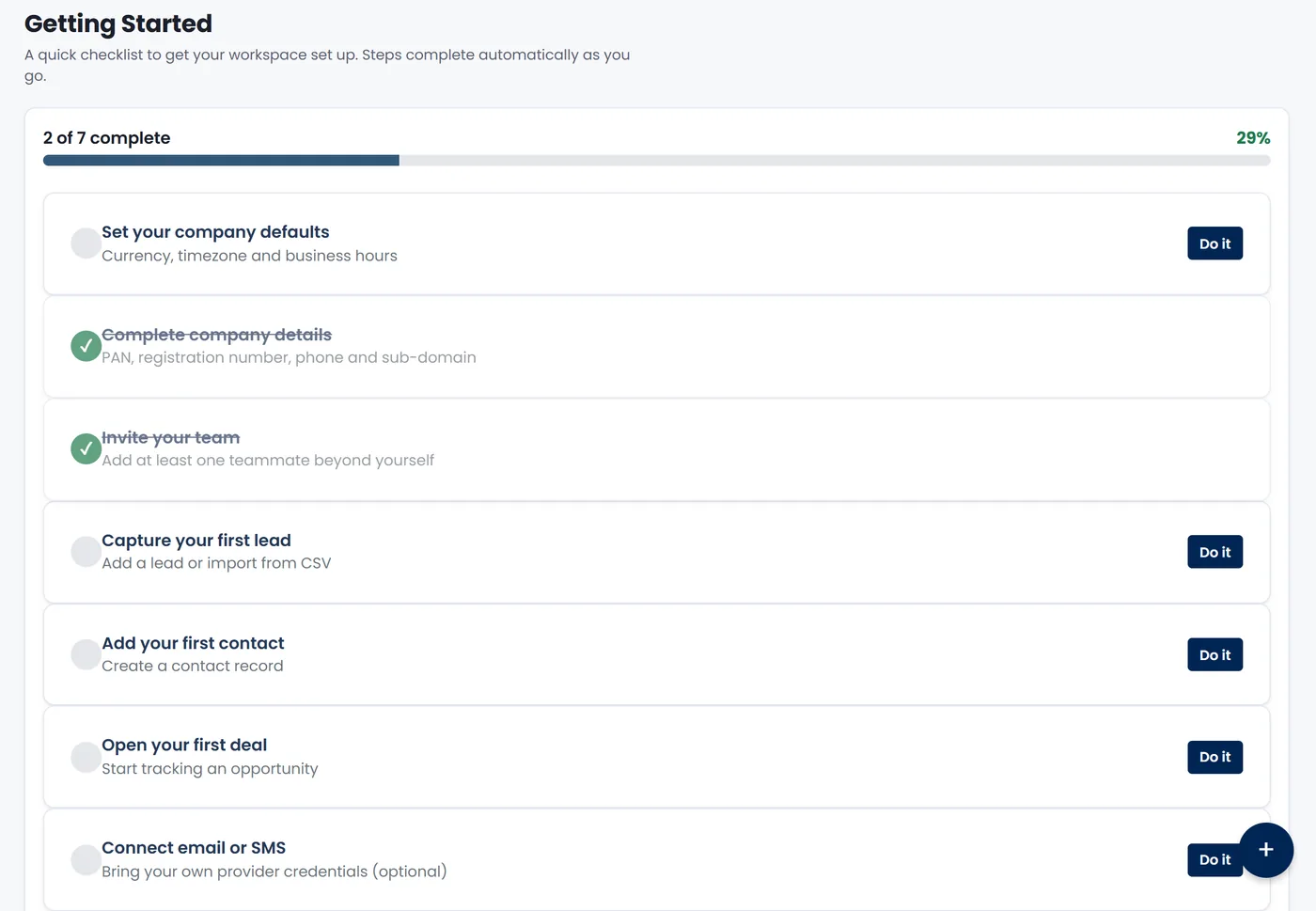
A checklist inside the app walks you through the first day
Once you have signed in, Getting started lists the setup steps and ticks them off as you complete them.
Set defaults
Currency, time zone and business hours.
Invite people
Add your team and their roles.
Add your first work
A lead, a contact, a deal or a task.
02Browse by topic
Pick the area you are working in
- 01Website builderBuild and publish a website without code
- 02Reports and analytics84 reports, plus dashboards, goals and KPIs
- 03Forms and surveysBuild a form, share a link, act on every answer
- 04AI assistant and agentsAsk, delegate, and keep a person in charge
- 05Workflow automationVisual workflows, approvals and ready-made automations
- 06Voice and transcriptionDictate, listen, and turn calls into text
- 07CRM and salesLeads, contacts, deals and follow-ups
- 08Projects and tasksPlan, assign and finish the work
- 09Attendance, HR and field salesCheck-ins, leave, live map and visit plans
- 10Field delivery for NGOsField reports, review, indicators and donor reports
- 11Team chat and callsMessages, channels, voice and video
- 12Customer chat widget and inboxWebsite chat and a shared customer inbox
- 13Knowledge baseAnswers your team and customers can search
- 14Files and documentsShared storage that opens what you upload
- 15Mobile and desktop appsAndroid app and Windows desktop app
- 16Security and access controlMFA, roles, audit and tenant separation
- 17Plans and paymentsPay for your subscription by card, PayPal or bank transfer
03Inside your workspace
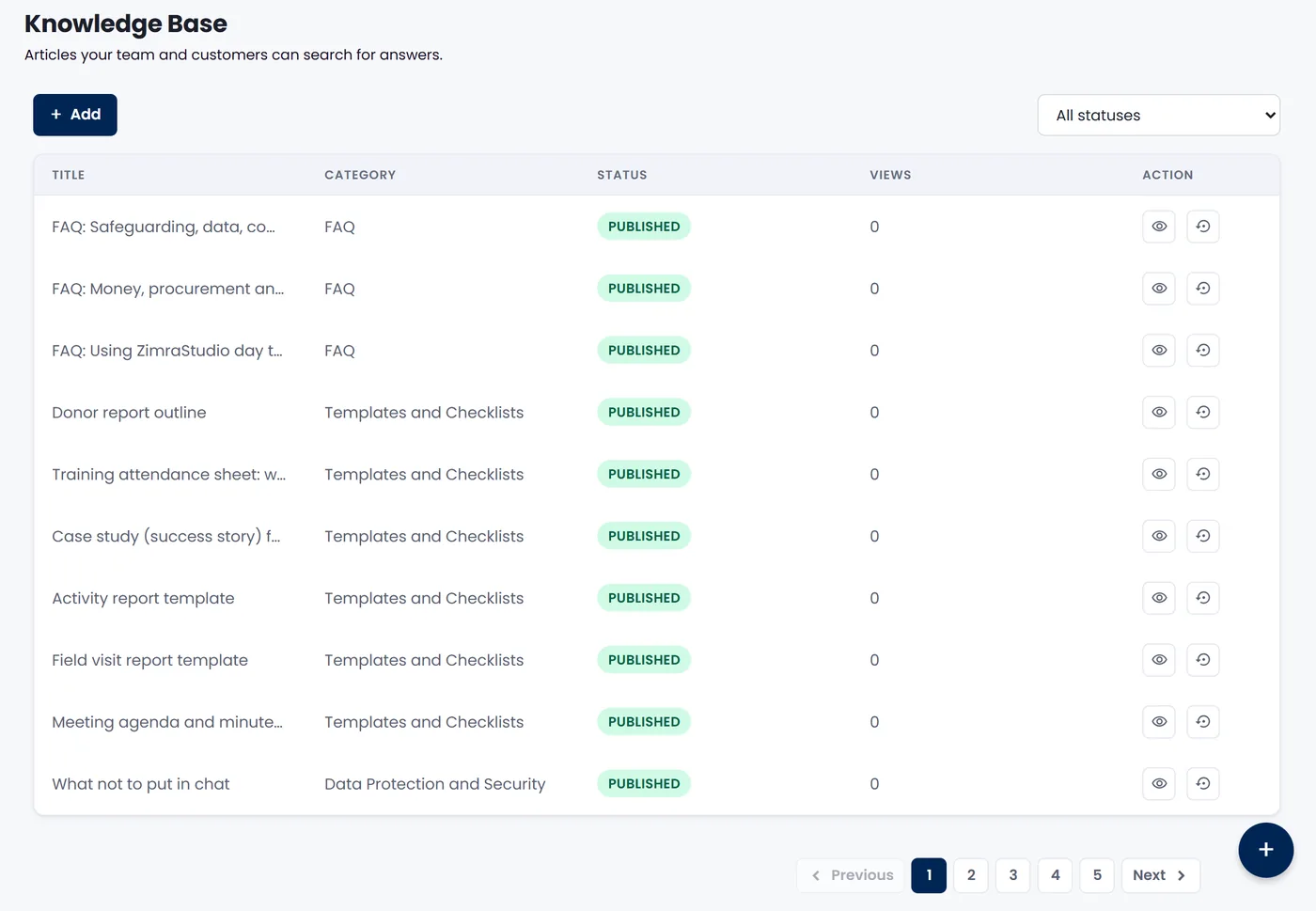
Your own knowledge base, for your team and your customers
Every workspace has a Knowledge Base. Write playbooks and templates for your team, and publish answers for your customers to the public help page and the chat widget. It is the same idea as this page, for your organisation.
04Common questions
Getting going
How do I get started after signing up?
Open Getting started in the left menu. It is a short checklist: set your company defaults, complete your company details, invite your team, add a first lead and contact, and connect email or SMS if you want to. Steps tick off as you do them.
How do I invite my team?
Add users from the user management screen and give each one a role. Roles decide which modules and records they can see. Your plan limits how many users you can add.
How do I change the suggested setup?
Open Industry and setup in your settings. You can preview a starter setup again, apply it, or ignore it and shape task types, statuses and roles yourself.
How do I turn on multi-factor sign-in?
Open your profile, start the security setup, scan the code with an authenticator app, type the six-digit code, and save the ten recovery codes. The guide on this site has every step.
Do the AI features need an AI key?
Yes. ZimraStudio does not include an AI model. An admin connects the company's own AI provider and key in the AI settings and turns AI on.
How do I publish a website?
Open Websites, create a site from a template or a blank page, edit it, run the checks and choose Publish. Your own domain is coming soon; for now the site is served from a free platform address.
How do I pay for my plan?
By card, PayPal or bank transfer from the pricing page or your subscription page. Your plan changes after the payment is confirmed, and receipts are in your billing history.
Where do I download the apps?
On the download page. The Android app (Android 7.0 or later) and the Windows app are available. A Play Store listing, iPhone, Mac and Linux apps are coming soon.
How do I delete my account?
From inside the app, or on the account deletion page, which does not need you to sign in first.
05Still stuck
Ask a person
Support
Report a bug or ask for help with your account. Open a request
Sales and demos
Questions before you buy, or a walkthrough of your own case. Contact us
Status of changes
See what changed recently in What is new.
See it with your own work in it
Start a trial, or book a short walkthrough and bring a real example. We will set it up with you.
New companies start on a 14-day trial of the Growth plan.