
08Projects and tasks
Work that has an owner, a date and a status everyone agrees on
Projects, tasks, milestones and approvals in one place. Every company sets its own statuses, task types and priorities, so the board matches how your team actually talks about work.
To do
In progress
Done
What is projects and tasks?
Projects and tasks in ZimraStudio is a work-management module. Each task has an owner, a due date and a status, and each company names its own statuses, task types and priorities. You see the work as a list, a board or a timeline, with a triage inbox, workload view, time tracking and approvals.
Who is it for?
- Teams that run on tasks and deadlines
- Project managers who need to see what is stuck
- Organisations whose work has its own words, such as site inspections or admissions
Your words, not ours
Statuses and task types you define
A school has admissions tasks. A contractor has site inspections. Task types, statuses and priorities are per company, and a status belongs to a category (to do, in progress, done), so "done" means the same thing in every report even if you call it "Handed over".
- List, board and timeline. Switch views without losing your filters. Saved views keep the combinations you use every week.
- Templates and recurring tasks. Start a project from a template, and let weekly or monthly routines create themselves.
- Custom fields. Add the extra fields your sector needs to tasks, projects, contacts, leads and deals.
Know what is stuck
A triage inbox, workload view and project health
Requests arrive by form, email or a chat message and land in a triage inbox before they become tasks. A workload page shows who has capacity this week, and projects carry health rules you configure, so a slipping milestone is visible before the status meeting.
- Triage inbox. Route incoming requests by rule, snooze them, and turn the real ones into tasks with one click.
- Milestones with criteria. A milestone can depend on others and ask for approval before it closes.
- Time tracking. Start a timer on a task, mark time billable, and see it in the timesheet.
- Risks, issues and changes. Registers for the things that go wrong, linked to the work they affect.
How it works
How it works, in 3 steps
Pick your sector
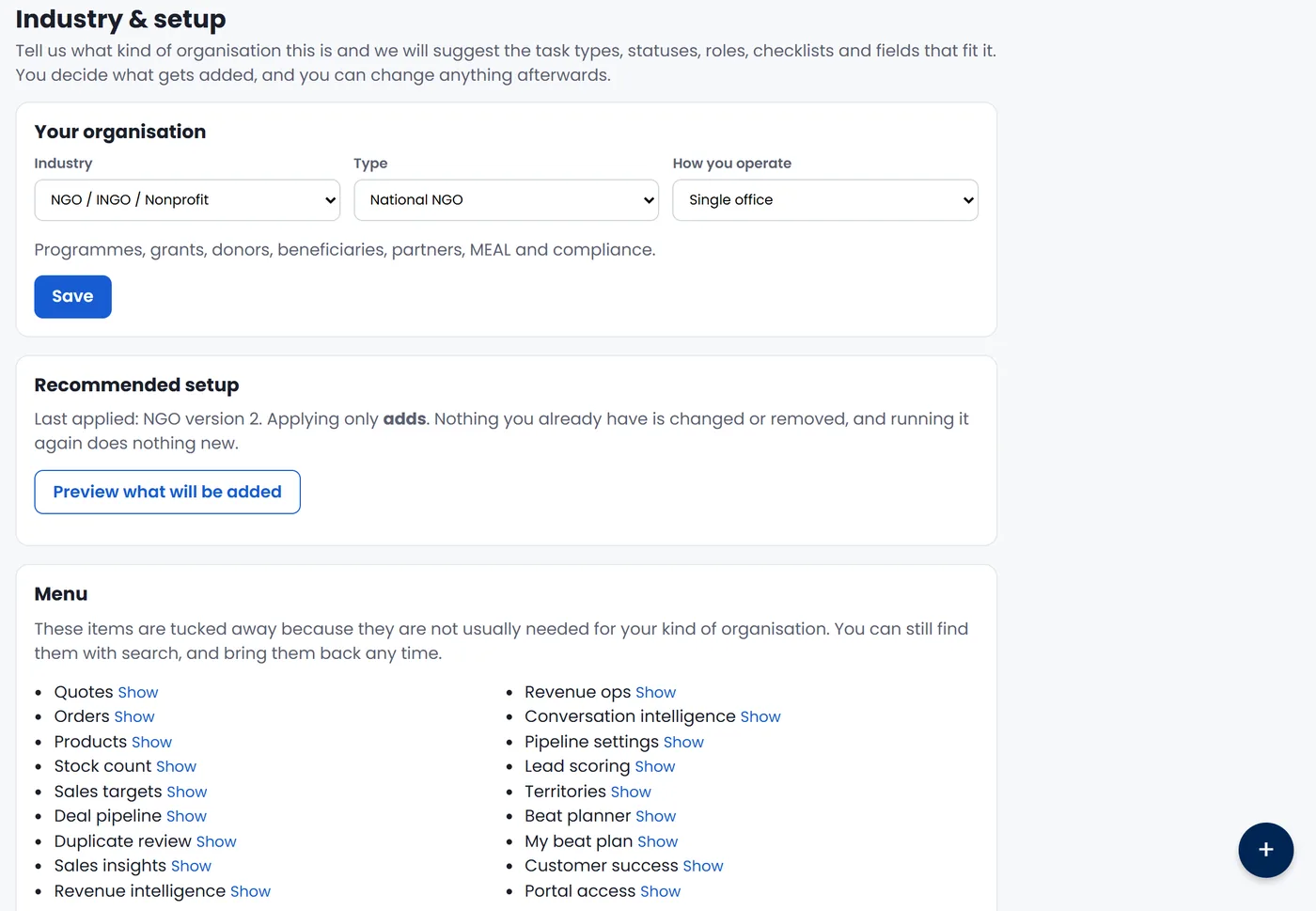
Choose an industry at sign-up and review the suggested statuses, roles and checklists. Nothing is applied until you say so.
Add the work
Create tasks by hand, from a template, from a form, or from a chat message or meeting.
Follow it through
Assign, comment, track time, ask for approval, and watch it move on the board.
Questions
Questions about projects and tasks
Can we change the statuses later?
Yes. Statuses, task types, priorities and labels are managed by your company admin. Hiding a task type never reassigns existing work.
Is there a public API for tasks?
Yes. A task API with API keys and outbound webhooks exists, so other systems can create and read tasks and be told when they change.
Does AI write my tasks?
AI assistance (breaking a task down, summaries, suggestions) is optional and off for every company until an admin turns it on. The settings page states what is sent.
Does it work on mobile?
Yes. The Android app handles tasks, and task changes made offline are replayed safely when the phone reconnects.
What views are there?
List, board and timeline, with saved views that keep your filters.
Can requests from a form become tasks?
Yes. Forms, email and chat messages can land in a triage inbox and be turned into tasks with one click.
Last updated . Checked against the product by the ZimraStudio team.
See it with your own work in it
Start a trial, or book a short walkthrough and bring a real example. We will set it up with you.
New companies start on a 14-day trial of the Growth plan.