
13Knowledge base
Write the answer once, use it everywhere
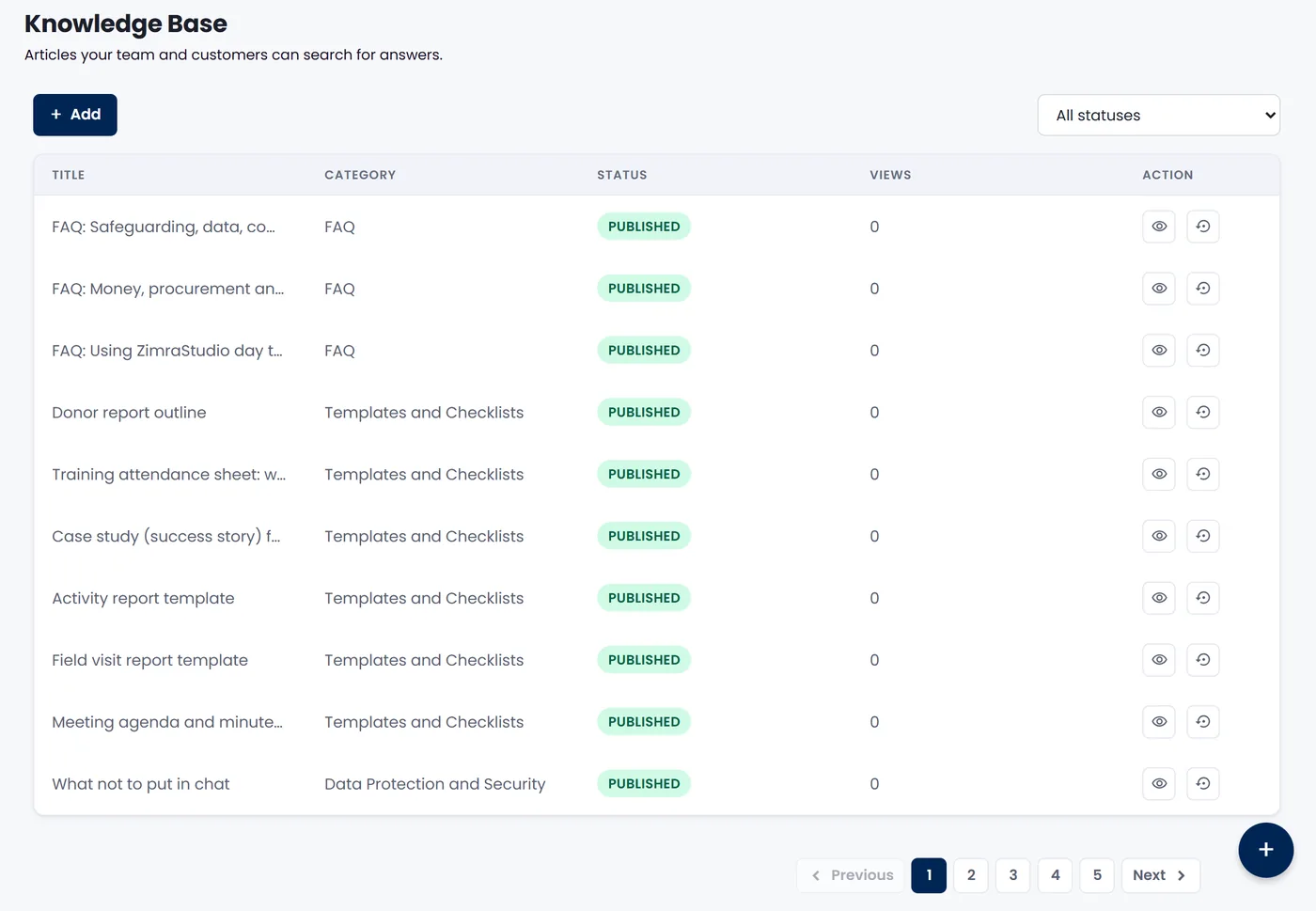
A knowledge base for internal playbooks and customer help articles, with statuses, categories and view counts.
What is the knowledge base?
The knowledge base is where your team and customers find written answers. You write articles for staff or for the public, search them, and let the AI assistant cite them when it answers, if an admin has switched AI on with the company's own provider key.
Who is it for?
- Support teams that answer the same questions repeatedly
- Organisations with internal procedures to share
- Teams that want AI answers to point to a source
Articles
Draft, publish, and see what is being read
Articles have a category and a status, so a half-written policy stays internal until it is published. The list shows how often each one is viewed.
- Public help pages. Customer-facing articles can be shown on a public help page and inside the chat widget.
- Gaps, not guesses. When the optional AI agent cannot answer a question, the gap is recorded so you know what to write next.
How it works
How it works, in 3 steps
Write the article
Use the one rich-text editor the rest of the product uses, with the file manager built in.
Choose who sees it
Keep it internal or publish it for customers.
Reuse it
Link it in chat replies and let the widget suggest it.
Questions
Questions about the knowledge base
Can customers search it?
Published customer articles are available on the public help page and the widget.
Does the AI read it?
Only if an admin has switched AI on. Answers cite the articles they came from.
Can I have internal-only articles?
Yes. Articles can be for staff only or published for customers.
Does it need an AI key?
Only the AI features do. Writing and searching articles work without one.
Where do customers find articles?
Published customer articles are available on the public help page and through the chat widget.
Last updated . Checked against the product by the ZimraStudio team.
See it with your own work in it
Start a trial, or book a short walkthrough and bring a real example. We will set it up with you.
New companies start on a 14-day trial of the Growth plan.